— amazon · Home Office
Laptop Stands Adjustable: Best Picks for Home Offices
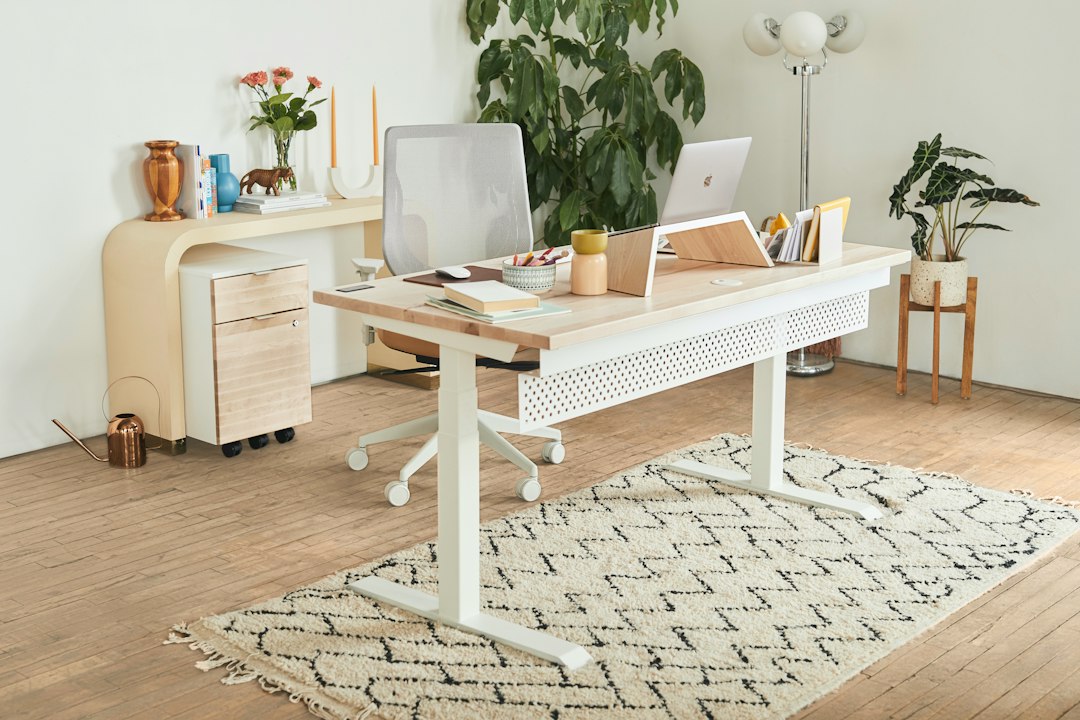
Find the best adjustable laptop stands for a comfortable home office. Compare height, stability, portability, and ergonomic features before you buy today online.
An adjustable laptop stand can turn a cramped kitchen table or dedicated desk into a calmer, healthier workstation. By lifting the screen closer to eye level, it helps reduce the neck bend, shoulder rounding, and heat buildup that often follow long hours on a notebook. The challenge is that laptop stands adjustable in height and angle are not all equally useful: a travel-friendly foldable model may wobble under a large 17-inch computer, while a heavy aluminum riser may be awkward in a shared workspace. This guide explains what matters before you click buy, from load capacity and ventilation to keyboard setup and desk footprint. You will also see how popular Amazon options fit different work styles, whether you rotate between rooms, attend video calls all day, or want a more polished permanent setup. Read on to choose a stand that supports both your laptop and your daily routine with ease.
Why an Adjustable Laptop Stand Improves Your Home Office
A laptop places the keyboard and screen in the same compact unit, which creates an ergonomic compromise. If the keyboard is low enough for comfortable typing, the screen is usually too low for your eyes. An adjustable laptop stand helps solve the screen-height portion of that problem by bringing the display closer to eye level. For most people, the top third of the screen should sit near or slightly below eye height when seated upright.
The result can be a more open posture during focused work, video meetings, and reading. A raised machine also creates space beneath it for a notebook, dock, or compact keyboard when your workday ends. Many open-frame designs improve airflow around the laptop base, which is useful for warm-running devices.
For the best setup, pair your stand with an external keyboard and mouse. Raising a laptop while continuing to type on its built-in keyboard can force your wrists and shoulders into an uncomfortable position. Think of the stand as one part of an ergonomic workstation rather than a complete fix. A supportive chair, sensible monitor distance, and regular movement breaks still matter.
Affiliate disclosure: As an Amazon Associate, we may earn from qualifying purchases. This does not change the price you pay.
How to Choose Laptop Stands Adjustable in Height and Angle
Start with adjustment range. A simple fixed riser may work beautifully at one desk, but an adjustable laptop stand is more adaptable if you switch between a dining table, standing desk, and dedicated office. Look for enough height to position your screen comfortably without making the stand feel top-heavy. Angle adjustment is also valuable because it lets you reduce glare and find a view that works with your chair height.
Next, check compatibility. Confirm the manufacturer’s listed laptop-size range, weight capacity, and base dimensions. A stand designed for a 13-inch ultrabook may not feel stable with a thick 16-inch workstation laptop. Wide lower lips, non-slip silicone pads, and a broad base are especially important for larger machines.
Material affects both stability and portability. An adjustable aluminum stand usually feels solid, disperses heat well, and suits a permanent desk. Plastic or composite folding stands often weigh less and can be better for commuting. Examine the hinge or locking mechanism closely: stiff, well-built hinges should hold their position rather than slowly droop under the laptop’s weight.
Finally, consider desk footprint. A deep scissor-style stand can take up substantial room, while a vertical riser leaves more space for a keyboard. Measure before ordering, especially if your desk is narrow.
Best Stand Styles for Different Work Habits
Desktop aluminum risers are a strong choice for a permanent home office. They are typically stable, easy to clean, and visually tidy. Some models offer fixed heights, while others use a hinged platform for height and tilt changes. They suit people who work at one desk and want a substantial laptop stand for desk use.
Foldable travel stands prioritize low weight and compact storage. Models such as the Nexstand K2 use an open, adjustable frame that can fit in a backpack. This format is useful for hybrid workers, students, and anyone who frequently changes locations. The trade-off is that a lightweight stand may have more movement while typing or adjusting the screen, so an external keyboard is particularly helpful.
Ventilated mesh or platform stands provide a larger resting surface. They can work well for thicker gaming laptops or computers with bottom intake vents, although the stand must not block critical ventilation areas. Check where your laptop draws and exhausts air before selecting a solid platform.
Budget desk risers are appropriate when you need a simple lift for occasional use. Search terms such as Amazon Basics laptop stand can reveal practical entry-level options, but always compare measurements, adjustment type, and current product details. A lower price is worthwhile only if the stand remains stable at the height you need.
Set Up Your Laptop Stand for Comfort and Stability
Place the stand on a flat, hard surface and make sure every foot makes contact with the desk. If the base rocks before your laptop is added, reposition it or choose another workspace. Open the stand fully, lock its supports if applicable, and center the laptop so its weight is balanced from left to right.
Set height first, then tilt. Raise the screen until you can look forward with only a slight downward gaze. Position the display roughly an arm’s length away, then adjust based on text size and vision needs. Excessive tilt may increase glare from overhead lighting or make the screen feel visually distant, so use only as much angle as necessary.
Connect an external keyboard and mouse before settling into a long session. Keep your elbows near your sides and your wrists in a neutral, relaxed position. If cables pull against the laptop, route them behind the stand or use a compact hub to prevent snagging. For video calls, test the camera angle; a raised laptop often creates a more flattering, direct line of sight.
Before purchasing, read the current product specifications and reviews, then check the price for the size and configuration you need. Listings, included accessories, and finish options can change, so verify those details on Amazon before placing an order.
Common Mistakes to Avoid When Buying a Laptop Riser
Do not choose based on appearance alone. A sleek stand that lacks a broad base or reliable hinges can be frustrating every day. Avoid models that barely support your laptop’s stated dimensions, particularly if you use a protective case or a heavier high-performance machine.
Another common mistake is buying a tall stand without planning for input devices. If you cannot use an external keyboard and mouse, select a lower-angle model that keeps the built-in keyboard reachable. Otherwise, the screen may improve while typing comfort gets worse.
Also, do not overlook portability. If you work from cafés, client sites, or shared rooms, a stand that folds flat may be more valuable than a premium desk model. Conversely, if the stand will never leave your office, extra weight can be an advantage because it adds stability. Match the product to your real routine, not an idealized one.
Finally, review the return policy and inspect the stand after delivery. Test its hinges, pads, and fit during the return window so you can confirm it works with your laptop, keyboard, desk, and preferred sitting position.
FAQ
- Are adjustable laptop stands worth it?
- Yes, an adjustable laptop stand can be worthwhile if you work on a laptop for extended periods. It can raise the screen to a more comfortable viewing height, improve desk organization, and support better airflow. For the best ergonomic result, use it with an external keyboard and mouse.
- What height should a laptop stand be?
- The right height depends on your chair, desk, and body proportions. Aim to place the upper part of the laptop screen near eye level or slightly below it while sitting upright. A model with several height settings gives you more flexibility than a fixed-height riser.
- Can a laptop stand damage my laptop?
- A properly sized stand should not damage a laptop. Choose one with soft non-slip contact pads, adequate weight capacity, and support points that do not obstruct vents. Keep the laptop centered, avoid forcing tight clamps, and check that cables are not pulling on ports.
- Is an aluminum laptop stand better than a plastic one?
- An aluminum laptop stand is often sturdier and better suited to a permanent desk, while a plastic stand may be lighter and easier to carry. Neither material is automatically best. Compare hinge quality, grip pads, adjustment range, laptop compatibility, and overall stability for your needs.
Conclusion
The best laptop stand is the one that fits your laptop, desk, and daily work pattern without adding clutter or instability. Start by deciding whether you need a sturdy desktop fixture or a portable model that folds into a bag. Then compare height range, hinge strength, ventilation, base size, and compatibility with your specific computer. Remember that an elevated screen works best alongside an external keyboard and mouse, particularly for full workdays. If you want a clean, durable home-office upgrade, an adjustable aluminum stand is often a smart place to begin. If flexibility matters more, a lightweight folding frame may be the better match. Review the latest specifications, confirm the dimensions, and check the price on Amazon before choosing. A small ergonomic change can make your desk feel more organized, comfortable, and ready for productive work every day.
— Enjoyed this? Pass it on
— Want to build your own?
Publish articles like this in 90 seconds.
The whole terminal — AI writer, PA-API sync, refresh radar, auto-tweets — free for the first 3 articles.
Try for free