— amazon · Health
Blue Light Glasses Computer Guide: Comfort, Fit & Lenses
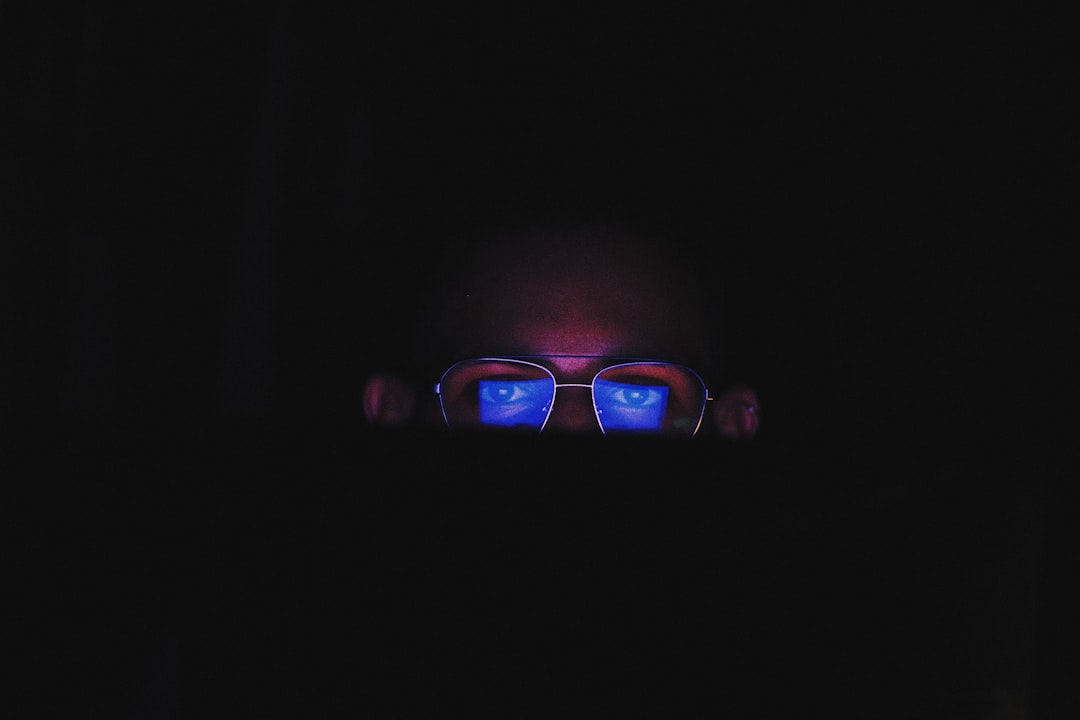
Blue light glasses computer users can choose with confidence: learn lens types, fit tips, screen habits, and smart Amazon buying advice for eye comfort.
Hours of emails, spreadsheets, gaming, video calls, and scrolling can leave your eyes feeling dry, tired, or simply overworked. That is why blue light glasses computer shoppers often look for an easy upgrade to their desk setup. These lenses are designed to filter a portion of visible blue light from screens and may also reduce reflections when they include an anti-reflective coating. However, the best pair is not necessarily the darkest lens or the most heavily advertised option. Comfort, prescription needs, lens clarity, frame fit, and healthy screen habits matter just as much. This guide explains what computer glasses can realistically do, how to compare lens features on Amazon, and how to choose a pair you will actually wear every day. As an Amazon Associate, this site may earn from qualifying purchases, at no extra cost to you.
What Blue Light Glasses Can—and Cannot—Do
Blue light is a high-energy portion of visible light that is also present in daylight, indoor lighting, televisions, and digital displays. Your computer is not the only source of blue light, but close-up screen work can combine glare, reduced blinking, poor posture, and long periods of intense focus. Those factors often contribute more directly to digital eye discomfort than blue light alone.
blue light blocking glasses may make a screen feel more comfortable for some people, especially when the lenses also have an anti-reflective coating that reduces distracting reflections. Clear lenses usually filter a modest amount of blue light while preserving color accuracy. Yellow or amber lenses filter more, but they can noticeably change how white backgrounds, photos, and design work appear.
It is important to set realistic expectations. Current research does not conclusively show that blue-light-filtering lenses prevent eye disease or consistently eliminate computer-related eye strain. They are a comfort accessory, not a medical treatment. If you have persistent eye pain, headaches, sudden vision changes, or severe dryness, schedule an eye examination rather than relying on computer eyewear alone.
Choose the Right Lens for Your Computer Routine
The right lens depends on what you do at your screen. For office work, coding, online classes, and general browsing, a clear lens with anti-reflective coating is usually the most practical starting point. It keeps colors natural, looks subtle in meetings, and works well under overhead lighting. Look for product descriptions that specify clear lenses, low color distortion, and scratch-resistant coating.
If you work late at night or use screens for entertainment before bed, lightly tinted lenses can be worth considering. Strong amber lenses are better suited to gaming, evening browsing, or situations where color accuracy is not important. Photographers, video editors, illustrators, and anyone grading color should prioritize clear lenses and calibrated monitor settings instead of heavily tinted blue light blocking glasses.
Prescription wearers should consider whether they need non-prescription frames, readers, or prescription-compatible frames. Ready-made readers can help only when both eyes need the same magnification and an eye-care professional has confirmed that option is appropriate. For everyday use, choose a lens style that suits your normal vision correction rather than forcing yourself to switch between uncomfortable pairs.
- Clear lenses: Best for office work and color-sensitive tasks.
- Light yellow lenses: A middle ground for screen comfort with mild color shift.
- Amber lenses: Stronger filtering, best for non-color-critical evening use.
- Anti-reflective coating: Helpful for glare from screens and room lighting.
Frame Fit Matters More Than Most Shoppers Expect
A pair that pinches your temples, slides down your nose, or presses behind your ears will end up in a drawer. Before ordering, compare the frame measurements on the listing with glasses that already fit you well. The most useful numbers are lens width, bridge width, temple length, and total frame width. Many Amazon blue light glasses listings show these measurements in millimeters, often with a sizing diagram.
For all-day computer use, lightweight acetate, TR90, or flexible plastic frames are popular because they reduce pressure. Metal frames can look polished and allow adjustable nose pads, but their fit varies more from person to person. A low-bridge fit or adjustable pads may help if frames tend to slide down your nose. Wider faces should look for a generous total frame width instead of assuming an oversized-looking style will fit.
Also consider the lens shape. Larger lenses can provide more coverage and reduce the chance of looking over the top of the frame, while medium rectangular frames are often easiest to wear with headsets. If you alternate between meetings and focused desk work, a neutral shape in black, tortoise, clear, or matte gray is versatile enough for both home and office.
How to Compare Amazon Listings Before You Buy
Amazon makes it easy to compare many styles, but a polished photo does not tell you whether a pair will be useful. Start by checking the product title and bullet points for lens type, frame measurements, coating details, and whether the glasses are non-prescription. Then read recent reviews for recurring comments about comfort, durability, lens clarity, and packaging. Reviews with customer photos can be particularly useful for judging frame scale.
Be cautious with vague promises such as “100% protection” without a clear explanation of which wavelengths are filtered. A trustworthy listing should describe the lens tint and intended use rather than implying that glasses cure headaches, protect against every screen-related problem, or replace professional eye care. If a brand provides a warranty or return policy, review the terms before ordering.
When comparing options, narrow your choices to two or three pairs with similar fit measurements. A simple pair of computer glasses with clear anti-reflective lenses may be a better value than a trendy frame with unclear specifications. Use the listing to check the price, confirm shipping options, and decide whether a multi-pack makes sense for your desk, work bag, or bedside table. You can also browse Amazon blue light glasses by frame style, but always verify measurements before adding an item to your cart.
Get More Comfort From Your Screen Setup
Even excellent blue light glasses computer users enjoy more when they are paired with better screen habits. Begin with the 20-20-20 rule: every 20 minutes, look about 20 feet away for 20 seconds. This brief break relaxes sustained near focus and reminds you to blink normally. Dryness is common during concentrated screen work because people blink less frequently.
Position your monitor roughly an arm's length away, with the top of the screen at or slightly below eye level. Increase text size instead of leaning forward, and adjust brightness so the display does not look dramatically brighter than the room around it. Reduce glare by moving lamps out of your direct line of sight and avoiding a bright window directly behind the monitor.
For evening use, enable your device's night mode or warmer color setting if you find it comfortable. Keep in mind that this changes color appearance, so turn it off for color-critical work. The strongest routine is simple: use comfortable computer eyewear, take visual breaks, keep your prescription current, stay hydrated, and create a workspace with balanced lighting. These changes often have a bigger day-to-day impact than any single lens feature.
FAQ
- Do blue light glasses work for computer eye strain?
- They may improve perceived comfort for some users, particularly when anti-reflective coatings reduce glare. However, evidence does not show that blue-light-filtering lenses consistently prevent or cure digital eye strain. Regular breaks, proper monitor distance, room lighting, and updated vision correction remain essential.
- Should I choose clear or yellow computer glasses?
- Choose clear lenses if you work with photos, design files, spreadsheets, or video calls and want natural color appearance. Light yellow or amber lenses can filter more blue light but shift colors. They are generally better for evening browsing or gaming than color-sensitive professional work.
- Can I wear blue light blocking glasses all day?
- Most non-prescription blue light blocking glasses are intended for regular screen use, provided they fit comfortably and do not blur your vision. Remove them for tasks where altered color perception matters. If they trigger headaches, dizziness, or visual discomfort, stop wearing them and consult an eye-care professional.
- What should I look for when buying computer glasses on Amazon?
- Prioritize accurate frame measurements, a comfortable material, clear lens descriptions, anti-reflective coating, recent verified reviews, and a practical return policy. Avoid choosing solely by marketing claims. Compare the frame width and temple length to a pair you already wear comfortably before you check the price.
Conclusion
The best blue light glasses computer setup is one that supports your work without creating new distractions. Start with a lightweight frame that matches your face width, then select clear anti-reflective lenses for everyday office tasks or a light tint for relaxed evening screen time. Do not expect glasses alone to solve every symptom of long screen sessions; monitor placement, blinking, breaks, and good lighting are equally important. If you wear prescription lenses or experience ongoing headaches, blurred vision, or eye pain, speak with an optometrist before buying a new pair. Ready to narrow your options? Compare frame dimensions, review lens details, and browse computer glasses that fit your budget and routine. Use the product listings to check the price, read recent feedback, and choose a pair you will be comfortable wearing through every meeting, project, and screen break.
— Enjoyed this? Pass it on
— Want to build your own?
Publish articles like this in 90 seconds.
The whole terminal — AI writer, PA-API sync, refresh radar, auto-tweets — free for the first 3 articles.
Try for free