— amazon · Home Office
Best Standing Desks for Small Spaces: Smart Buying Guide
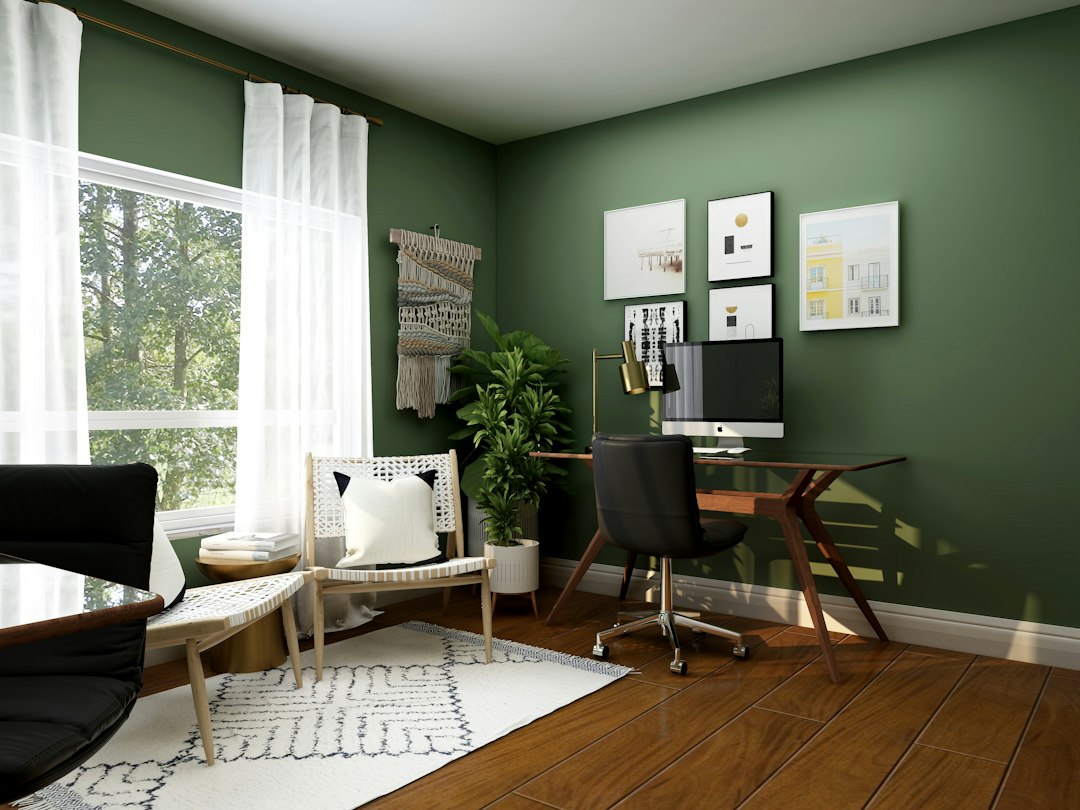
Find the best standing desks for small spaces with sizing, features, and setup tips for a healthier, more productive, clutter-free home office now.
A small room does not have to force you into sitting all day. The right standing desks for small spaces can fit beside a bed, under a window, or in an unused corner while still giving you a stable keyboard, monitor, and work surface. The key is choosing proportions and adjustment features before focusing on style. This guide explains how to measure a tight home office, compare desk formats, and prioritize ergonomic details that matter every day. You will also learn which accessories preserve floor space and how to build a comfortable sit-stand routine. As an Amazon Associate, we may earn from qualifying purchases at no added cost to you. Use the recommendations as a practical checklist, verify current dimensions and reviews, and select the desk that matches your room, equipment, and budget rather than buying more workspace than you can use comfortably in your daily routine at home now.
Measure First: The Foundation for a Small-Space Standing Desk
Before shopping for standing desks for small spaces, measure the area you can realistically use. Record the width, depth, and vertical clearance, then account for baseboards, door swings, drawers, radiators, and nearby outlets. A desk that looks narrow online can still feel intrusive if its feet extend into a walking path.
For laptop-focused work, a desktop around 32 to 40 inches wide and 20 to 24 inches deep is often enough. If you use one external monitor, aim for at least 40 inches of width and roughly 24 inches of depth. Dual monitors, a desktop computer, or a large drawing tablet may require more surface area than a tiny room can comfortably support.
Also measure the seated and standing elbow heights of the main user. The best fit is a desk whose keyboard surface can sit near elbow level in both positions. Keep 30 to 36 inches of clear passageway where possible, especially in a bedroom office or shared living area. Planning these details first prevents a compact desk from becoming a daily obstacle.
Choose the Right Desk Style for Your Room
Different desk formats solve different small-room problems. A compact standing desk with a one-piece top is usually the most flexible choice for a dedicated office nook. Look for a stable frame, a modest footprint, and a top large enough for your actual work gear rather than decorative extras.
An electric standing desk is convenient if you plan to switch positions several times per day. Memory presets make it easy to return to comfortable seated and standing heights, which can encourage consistent use. In a small room, prioritize a quiet motor, anti-collision protection, and legs that do not protrude far beyond the desktop.
A standing desk converter is an excellent option when you already own a desk, dresser, or table that fits the room. Converters raise your monitor and keyboard above an existing surface, but they consume some depth and may place the screen closer to you. Confirm both the converter dimensions and its maximum load capacity before ordering.
For the tightest layouts, a folding or wall-mounted desk can reclaim floor space when work is over. These designs are best for laptops and lightweight setups. Verify the wall material, mounting hardware, and weight rating carefully; secure installation is more important than saving a few inches.
Features That Matter More Than Fancy Extras
Small desks need to work harder, so focus on practical features. A height range that suits your body is essential, but stability is equally important. At standing height, the desktop should not wobble excessively when you type. Read recent buyer reviews for comments about shaking, assembly quality, and long-term motor performance.
Choose a desktop with rounded corners if the desk sits near a bed, doorway, or frequently used walkway. A light-colored or wood-look top can make a cramped office feel less visually heavy, while a darker frame may hide scuffs. If your room is especially narrow, a shallow desktop may be smarter than a wide desk that blocks movement.
Cable management is another high-value feature. Built-in grommets, under-desk trays, and adhesive cable clips keep chargers and monitor cords from turning a compact workspace into visual clutter. A power strip mounted beneath the desktop can reduce the need to bend down in a tight corner.
Finally, review the published weight capacity. Add the weights of your monitor arm, display, laptop, docking station, speakers, and any desktop accessories. Leave a safety margin instead of loading the desk to its stated maximum.
How to Compare Amazon Options Without Overbuying
Amazon makes it easy to compare standing desks for small spaces, but listings can be overwhelming. Start by filtering for your maximum width and depth, then compare the desk's full dimensions rather than only the desktop measurement. Some bases are wider than the top, and some product photos make shallow desktops look deeper than they are.
Next, review height range, load capacity, return terms, and assembly requirements. A lower-priced desk may be a smart buy for a laptop-only workstation, while a heavier monitor setup may justify a more robust frame. Check whether the listing includes a cable tray, hooks, casters, or a memory controller, since those additions affect overall value.
Use customer photos to see how a desk looks in bedrooms, apartments, and small offices. Photos often reveal leg clearance, wobble concerns, and real-world desktop depth more clearly than marketing images. Before making a decision, check the price, compare current variations, and confirm that the selected size is the one shown in the specifications.
Avoid choosing solely by discounts. A desk that fits your work style, clears your doorway, and supports your equipment is likely to be more useful than a larger model with features you cannot use.
Set Up a Comfortable Sit-Stand Workspace in Less Floor Space
Even the best desk benefits from a thoughtful setup. Place your monitor directly in front of you, with the top of the screen near eye level for most users. If the desktop is too shallow for proper viewing distance, a monitor arm can free surface space and allow finer positioning. Be sure the desk can support the arm clamp and monitor weight.
Keep daily tools within easy reach: laptop, keyboard, mouse, notebook, and water. Store rarely used supplies vertically in a slim rolling cart, wall shelf, or drawer unit instead of spreading them across the desktop. A small footrest can improve seated comfort, while a supportive anti-fatigue mat can make standing periods more pleasant.
Do not feel pressured to stand for hours at a time. Alternate positions regularly, starting with short standing intervals and adjusting based on comfort and concentration. A timer or desk memory preset can be a simple reminder to move. With a clear surface, appropriate screen height, and a layout that leaves room to walk, even a compact workstation can support focused, flexible workdays.
FAQ
- What size standing desk is best for a small room?
- For most laptop-based work, a desk 32 to 40 inches wide and 20 to 24 inches deep is a practical starting point. If you use a monitor, measure its stand or arm first and make sure the remaining surface still leaves room for a keyboard and mouse.
- Are standing desk converters good for small spaces?
- Yes. A standing desk converter can be a cost-effective choice when you already have a suitable table or desk. Measure the converter's footprint, its raised height, and the depth left for your keyboard before buying, since some models take up substantial desktop space.
- Should I choose an electric or manual standing desk?
- An electric standing desk is generally easier to adjust frequently, especially when it has memory presets. Manual crank or pneumatic models can cost less and may suit occasional use, but they are less convenient if you regularly switch between sitting and standing.
- How can I make a standing desk look less cluttered?
- Use cable clips, an under-desk power strip, and a cable tray to hide cords. Limit the desktop to daily essentials, mount a monitor when possible, and use vertical shelves or a slim drawer unit for supplies. Clear floor space also makes a room feel larger.
Conclusion
The best standing desks for small spaces are not necessarily the biggest or most feature-packed models. They are the desks that fit your available footprint, support your equipment securely, and make changing positions easy enough to become part of your workday. Start with accurate measurements, then choose between a compact standing desk, an electric model, a converter, or a fold-away design based on how permanent your workspace needs to be. Pay close attention to desktop depth, height range, stability, cable management, and walking clearance around the desk. Once you have narrowed your options, compare current specifications, customer photos, and pricing on Amazon before ordering. A well-planned desk can turn an overlooked corner into a focused home office without taking over the room. Review your measurements one final time, check the price, and choose the option that helps your small workspace feel organized, comfortable, and ready for productive work.
— Enjoyed this? Pass it on
— Want to build your own?
Publish articles like this in 90 seconds.
The whole terminal — AI writer, PA-API sync, refresh radar, auto-tweets — free for the first 3 articles.
Try for free