— amazon · Health
Best Blue Light Glasses for Computer Use: A Practical Guide
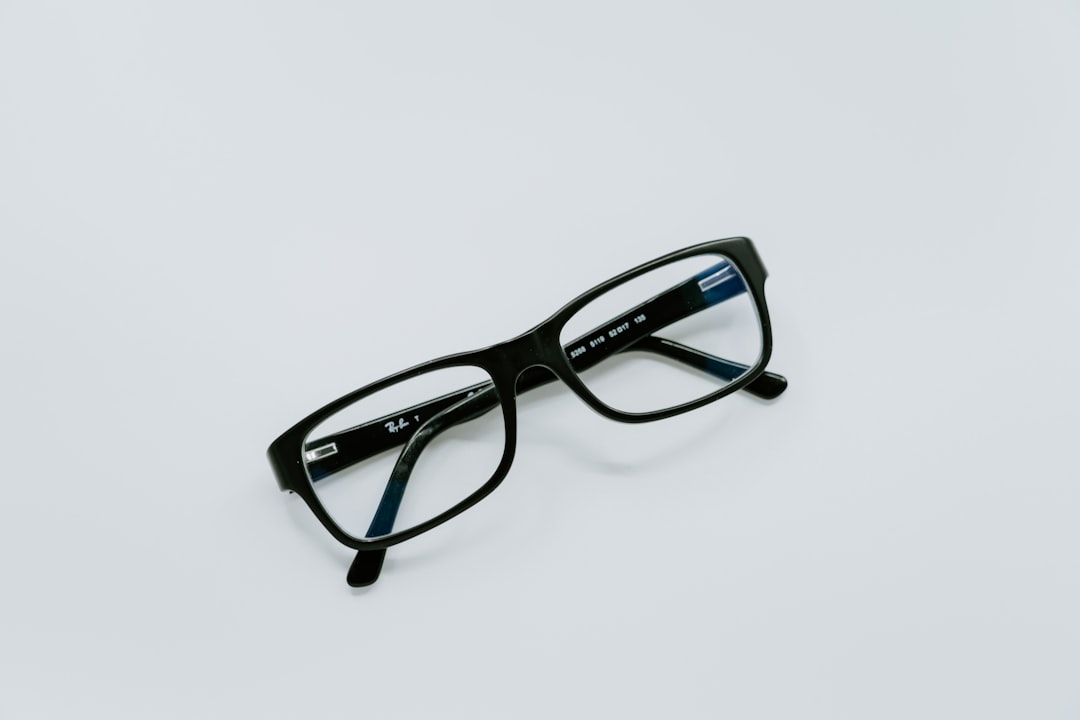
Blue light glasses for computer use can improve screen comfort. Learn how to choose frames, lenses, and Amazon options for work, gaming, and study daily.
If long workdays, late-night gaming sessions, or online classes leave your eyes feeling dry, tired, or uncomfortable, blue light glasses computer users choose may be worth considering. These glasses are designed for people who spend hours in front of monitors, laptops, tablets, and phones. While they are not a cure for eye problems and cannot replace an eye exam, the right pair may help make screen time feel more comfortable by reducing glare and filtering selected wavelengths of visible light. With countless styles on Amazon, choosing can feel confusing: should you buy clear lenses, amber lenses, prescription-compatible frames, or lightweight readers? This guide explains what blue light glasses do, which features matter most, and how to compare options for work, study, and gaming. You will also learn practical screen habits that support healthier, more comfortable digital routines every day.
What Are Blue Light Glasses for Computer Use?
Blue light glasses are eyewear with lenses that filter a portion of visible blue light emitted by digital screens and other sources, including LED lighting. Many people shop for blue light computer glasses because they want a more comfortable viewing experience during long periods of close-up screen work. Depending on the lens, the glasses may also include anti-reflective coatings that reduce distracting reflections from overhead lights and windows.
It is important to set realistic expectations. Digital eye strain is often linked to reduced blinking, close focusing, glare, poor posture, dry air, and uninterrupted screen time. Research has not established that blue light filters alone prevent eye disease or reliably eliminate eye strain. However, some wearers prefer them because the lenses can reduce glare, improve perceived visual comfort, or create a warmer screen appearance. Individual results vary, so treat them as one possible comfort tool rather than a medical treatment.
Clear lenses usually filter a smaller amount of blue light and look similar to standard glasses, making them a discreet choice for meetings and office use. Yellow or amber lenses typically filter more blue light, but they can noticeably change color perception. For most daytime work, clear lens options are usually the most practical starting point.
How to Choose the Best Blue Light Computer Glasses
Start by matching the lens and frame to your daily routine. If you edit photos, design graphics, or need accurate colors, choose lightly tinted or clear lenses with a quality anti-reflective coating. Heavily tinted lenses may be better suited to evening relaxation or gaming, but they can make whites look warmer and alter color accuracy.
Comfort is equally important. Look for lightweight materials such as TR90, acetate, or slim metal frames if you plan to wear glasses for several hours. Features such as adjustable nose pads, spring hinges, and flexible temples can reduce pressure around the nose and ears. A frame that slips constantly or pinches your temples will not be useful, even if its lens coating is excellent.
Check sizing before ordering. Amazon listings commonly provide lens width, bridge width, temple length, and frame width. Compare these measurements with a pair you already wear comfortably. For prescription wearers, consider oversized frames that fit over prescription glasses, clip-on filters, or frames available with a non-prescription lens that an optician may be able to replace. If you only need help reading small text, computer reading glasses with modest magnification can be convenient, but choose the correct power based on professional guidance.
Finally, read recent reviews for comments about lens clarity, hinge durability, fit, scratches, and return experiences. A low-priced pair can be a smart test purchase, while premium frames may be worthwhile if you need better construction for daily use.
Features That Matter When Comparing Amazon Options
Amazon offers everything from budget multipacks to premium eyewear brands. Rather than relying only on marketing phrases such as "blue light blocker," compare specific, useful features. A transparent explanation of lens filtering, a scratch-resistant coating, UV protection for outdoor use, and anti-reflective treatment are positive signs. Keep in mind that a higher blue-light filtering percentage is not automatically better for everyone; stronger filters often create a more visible yellow or amber tint.
For office users, prioritize clear lenses, all-day comfort, and professional styling. For gamers, a larger lens shape can provide a wider field of view, while a warm tint may appeal during evening sessions. Students may prefer an affordable, durable pair with a protective case for carrying between home, campus, and work. If you frequently move between screens and in-person tasks, select frames that do not distort colors or make indoor lighting feel unnaturally dim.
Before buying, review the current listing details, seller information, warranty terms, and return window. Product specifications and prices can change, so it is wise to check the price and verify the latest customer feedback before ordering. As an Amazon Associate, this site may earn from qualifying purchases at no extra cost to you. That commission does not change the need to choose based on fit, lens needs, and realistic expectations.
Blue Light Glasses vs. Better Screen Habits
Even the best glasses work better when paired with smart screen habits. Begin with the 20-20-20 approach: about every 20 minutes, look at something roughly 20 feet away for 20 seconds. This simple break can relax close-focus effort and remind you to blink fully. If your eyes feel dry, consciously blinking more often and using a humidifier in dry rooms may also help.
Position your monitor approximately an arm's length away, with the top of the screen at or slightly below eye level. Increase text size instead of leaning forward, and adjust brightness so the display is not dramatically brighter or darker than the room around you. Reducing glare matters too: move lamps away from direct screen reflections and use curtains or blinds when sunlight hits your monitor.
For evening use, consider lowering screen brightness and using built-in night mode settings. These controls can shift a display toward warmer tones without requiring glasses. If sleep is a concern, reduce stimulating screen activities before bedtime and maintain a consistent sleep schedule. blue light blocking glasses may be a helpful part of a personal routine, but they should not replace practical lighting adjustments, regular breaks, or advice from an eye care professional when symptoms persist.
Who Should Consider Computer Glasses?
Computer glasses for eye strain may appeal to remote workers, students, coders, office professionals, gamers, and anyone who spends several hours each day using digital devices. They can also be useful when glare is your main complaint, especially if you work under bright office lighting. People without a prescription can choose plano, or non-corrective, lenses, while people who wear prescription glasses should explore prescription options through an optician or compatible over-glasses designs.
If you experience ongoing headaches, blurred vision, double vision, eye pain, significant dryness, or sudden changes in sight, do not assume a screen filter is the answer. Schedule an eye examination. These symptoms can have several causes, including an outdated prescription, dry eye, focusing issues, or another condition that needs professional assessment.
The best purchase is usually a pair you will actually wear: comfortable, clear enough for your work, and easy to return if the fit is wrong. Search for a style that suits your face shape and routine, then compare the latest blue light computer glasses reviews before making a decision.
FAQ
- Do blue light glasses really help with computer eye strain?
- They may improve perceived comfort for some people, particularly when lenses include anti-reflective coatings that reduce glare. However, eye strain is also commonly caused by dry eyes, close focusing, poor ergonomics, and limited breaks. Use glasses alongside better screen habits rather than expecting them to solve every symptom.
- Are clear or yellow blue light glasses better?
- Clear lenses are usually better for daytime office work, video calls, and color-sensitive tasks because they preserve a more natural view. Yellow or amber lenses generally filter more blue light but can alter colors. Your best choice depends on whether you value discreet appearance and color accuracy or a stronger warm tint.
- Can I wear blue light glasses over prescription glasses?
- Yes. Some oversized designs are made to fit over prescription eyewear, and clip-on filters are another option. Make sure to compare frame dimensions carefully. Alternatively, ask an optician about prescription lenses with an anti-reflective or blue-light-filtering treatment.
- What should I look for before buying on Amazon?
- Look for accurate sizing, lens tint, anti-reflective coating details, durable hinges, a practical return policy, and recent reviews mentioning comfort and lens clarity. It is also sensible to check the price, confirm the seller, and review the listing specifications before placing an order.
Conclusion
Choosing blue light glasses for computer use does not have to be complicated. Focus first on comfort, lens clarity, frame measurements, and the type of screen work you do most often. Clear, anti-reflective lenses are a sensible everyday choice for many office workers and students, while warmer lenses may suit people who enjoy evening gaming or late screen sessions. Remember that glasses are only one part of comfortable digital viewing. Regular breaks, better monitor placement, appropriate brightness, and attention to dry-eye symptoms can make an equally meaningful difference. When comparing Amazon options, read current reviews, verify dimensions, and choose a listing with a reasonable return policy. If you have persistent discomfort or vision changes, contact an eye care professional instead of relying on screen glasses alone. Ready to find a pair that fits your routine? Check the price, compare lens features, and select comfortable blue light computer glasses you will want to wear every day.
— Enjoyed this? Pass it on
— Want to build your own?
Publish articles like this in 90 seconds.
The whole terminal — AI writer, PA-API sync, refresh radar, auto-tweets — free for the first 3 articles.
Try for free